15 Real Life Use Cases for Burner
Back to articles
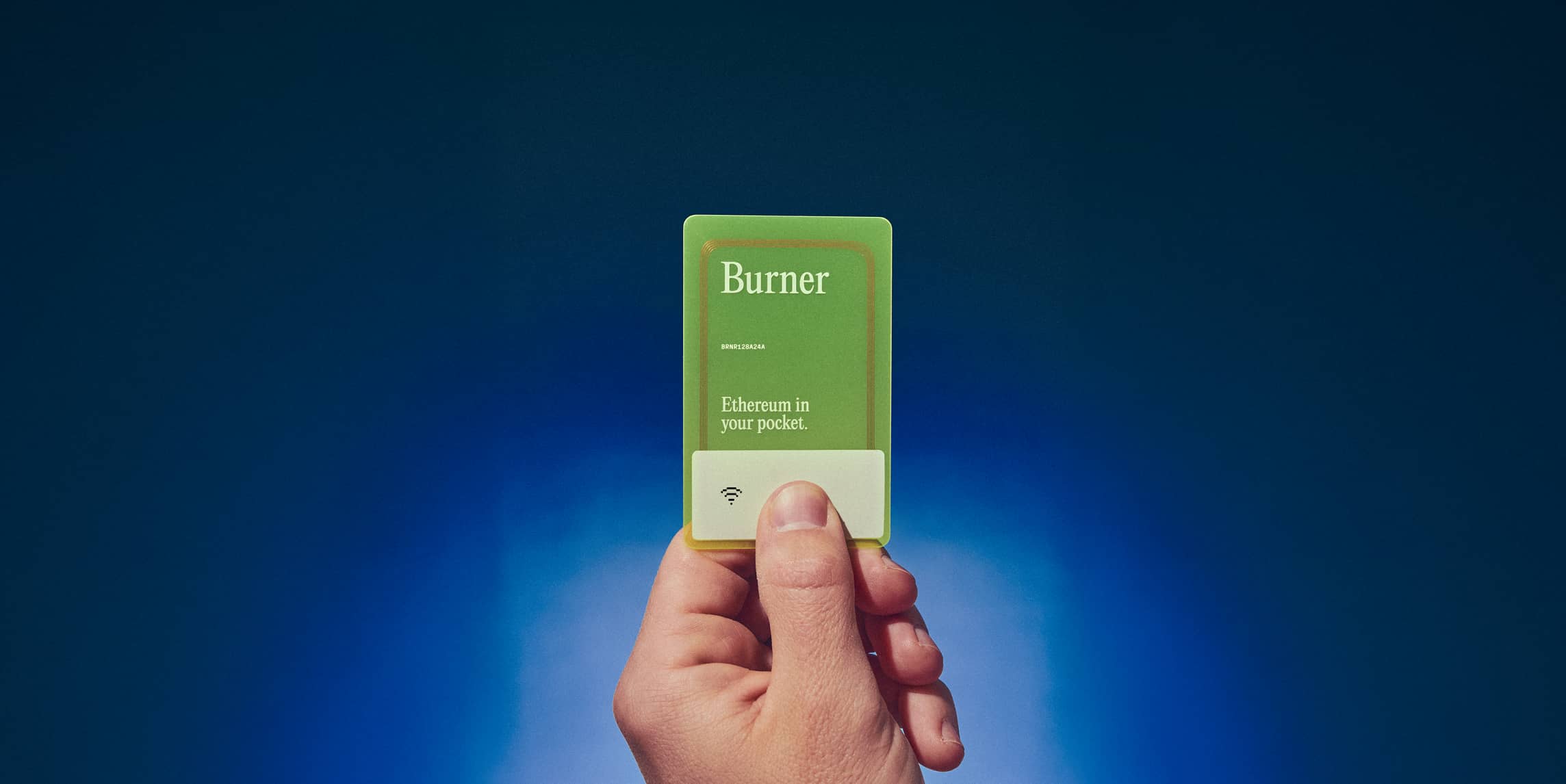
Burner is an affordable, physical hardware wallet the size of a credit card, designed for everyday crypto use. It combines the security of a hardware wallet, featuring secure chip technology and PIN-based access, with the accessibility of a software wallet. There is no seed phrase to lose and no app to install. You simply tap to open your wallet in a browser and go.
Burner is perfect for gifting crypto, which makes it the natural place to start. Beyond that, there are fourteen other ways to put Burner to work in everyday life, some you’ll find obvious and others that may surprise you.
1. Gifting Crypto
Giving someone crypto usually turns into never-ending tech support. You ask if they have a wallet. They do not. You explain seed phrases. They get nervous. Eventually, they lose access to their wallet and your gift is lost forever.

A preloaded Burner keeps the moment simple. You add value, write a short note, and hand it over. The recipient taps when they are ready and the funds are already in their custody. It feels like cash, except it’s onchain.
For more info, check out our detailed guide on gifting crypto easily and securely.
2. Onboarding New Users
Explaining self-custody to a newcomer is abstract. Showing it is concrete. When you give someone a Burner with a small amount of ETH or a stablecoin like USD II, they learn quickly by doing.
They can send, receive, or make a swap in BurnerOS without installing an app or creating a self-custodial wallet or centralized exchange account.
3. Cold Storage Without Complexity
Cold storage should be straightforward. Most people don’t want a complicated hardware setup and recovery plan, or to dedicate weekends to fine-tuning their “op sec” (operational security). They want an offline place to park funds that isn’t tied to their laptop or phone.
With Burner, the private key is never exposed, is non-extractable, and is stored in the secure chip on the card. There's also no seed phrase to leak or lose. If you plan to hold value long term, create a backup Burner and keep it somewhere separate and safe.
4. Promoting Your Web3 Brand
Most brand impressions vanish in a feed. A custom Burner does not. Projects can customize cards, preload crypto or trigger on-chain actions, and invite people into an experience that starts with a tap. It works for product launches, private betas, and community rewards, and it leaves a tangible reminder that stays on a desk instead of getting scrolled past.

If you want to create custom Burners, you’ll find details here: burner.pro/partnerships.
5. Inheritance Planning
Most crypto inheritance plans fail the bus test. If you vanish tomorrow, could your family find and access your crypto. Burner gives you a simple inheritance plan. Create a backup card, store it somewhere safe that your family knows about, and record the PIN in a sealed note that only your executor can access.
When the time comes, they do not have to sort through complicated recovery steps or search for a misplaced seed phrase. They simply use the card and access the assets.
For a deeper look at planning crypto inheritance with Burner, read our full guide.
6. Crypto Giveaways
Most giveaways make people connect a wallet, fill out a form, and then wait for the prize to arrive. A preloaded Burner changes that by awarding winners instantly. Hand them out at events, use them for in-person scavenger hunts, or drop them into physical prize packages.
The recipient isn’t just getting crypto. They’re also receiving a secure hardware wallet, which means they can access and use their prize right away without setup or extra steps.
7. Paying in Person With Crypto
Paying with crypto in person is still not commonplace, and even when a merchant does support it, the experience is often clunky and full of extra steps. Burner aims to remove that friction with native tap to pay support using stablecoins and other tokens.
The upcoming Burner Terminal is the core of this experience. It is a dedicated point of sale device built for stablecoin payments, giving merchants a simple way to accept tap to pay directly from a Burner card.

Flexa expands that reach. Flexa is a digital payments network that lets merchants accept many types of digital assets. Once support is live, an NFC-enabled Burner will be able to tap on Flexa powered terminals too, allowing crypto payments to work in places that already use Flexa’s system.
As Burner Terminal and Flexa support roll out, paying with a Burner will feel a lot like carrying a debit card for your crypto. It gives both customers and merchants a familiar tap to pay flow and makes crypto checkout feel as natural as the payment experiences people use every day.
Learn more about Burner Terminal and Flexa Tap to Pay.
8. 2FA and Multisig Singer
Important transactions should require a second verification. With a protocol like Safe, you can create a multisig wallet where a Burner card acts as one of the key signers. Your everyday wallet stays on your phone or laptop, while the Burner is kept somewhere separate. When a transfer or contract interaction requires a second signature, you bring out the card, enter the PIN, and approve.
This setup makes Burner function like a physical 2FA device for crypto, adding an extra layer of security without unnecessary complexity.
9. Shared Wallet for Small Teams
Teams often need a shared pool of funds for gas, bounties, tips, or small reimbursements. Sharing a seed phrase is risky, and coordinating a shared wallet across multiple browser extensions is messy. A Burner card solves the problem by acting as a simple team wallet.
Keep it in a secure place with a known PIN, and team members can use it when needed. If flexible access is important, duplicate the card so there are multiple on hand. Rotate the PIN whenever team access changes, and you have a simple, low-friction way to manage shared crypto.
10. Web3 Lotteries
PoolTogether is a no-loss savings game where deposits earn yield, and that yield funds daily prize drawings. Winners receive prizes directly to their wallet, while everyone else keeps their original deposit.

Load a Burner with USDC, set it up in PoolTogether, and the card becomes a physical lottery ticket. Whoever holds it owns both the deposit and the daily chance to win, with prizes sent straight to the Burner.
11. Safely Testing New dApps
You should never connect your main wallet to unproven contracts. A Burner loaded with a small amount of crypto is a safe sandbox for testing new and potentially untrustworthy decentralized applications.
Connect, mint, approve, and interact knowing your exposure is capped. For developers, using a dedicated Burner makes testing safer and keeps risky contracts away from primary wallets.
Learn why your using a software wallet may be riskier than you think in this blog post.
12. Gas-free Transfers and Swaps
Sending a few dollars (or more) shouldn’t require topping up ETH first. That’s why we created USD II, a fiat-backed stablecoin issued on the Base network. It’s backed 1:1 by U.S. dollars and treasury reserves, held by our financial partner Bridge, and securely managed in a Privy account.
Sending or swapping USD II inside BurnerOS is gasless because Burner covers the network fees for you. That means you can hand someone a card loaded with USD II and they can move value immediately. For small payments, reimbursements, or first-time experiences, removing gas friction makes crypto feel as easy as spending cash.
Learn more in our guide to USD II, Burner's gasless stablecoin perfect for gifting.
13. Gifts and Swag People Actually Use
Most crypto swag is forgettable. T-shirts, stickers, and water bottles usually end up in a drawer or in the trash. Burners are different. We’ve already seen them given out at conferences, to teams and volunteers, as stocking stuffers, and even as wedding gifts.

Whether you hand them out as swag or give them as personal gifts, Burners create a moment people remember.
14. Physical Remittance
Sending crypto to someone in another country is still harder than it should be. If the recipient is not crypto-native, walking them through remote wallet setup is challenging. A preloaded Burner shifts the effort to the sender. You load value onchain, then deliver or mail the card.
Once received, the recipient can access and manage the funds with a phone or computer. The card remains secure because the funds are protected by a 6-digit PIN, and after 20 failed attempts the card permanently locks. You can also create a backup Burner in case the card is lost in transit. It is a lower-tech approach that removes friction for the receiver while preserving self-custody.
15. Showcasing and Distributing NFT Art
NFTs usually live behind links or screens, which makes sharing them feel abstract. A Burner introduces a novel way to distribute digital art by giving it a physical form. Load your piece onto the card, then package it with a short note or explanation about the work. This lets you share digital art without the usual minting hurdles like wallet setup or gas wars that lead to failed transactions. For limited drops, it creates a clear moment of transfer and a functional hardware wallet keepsake people can hold onto and use. Artists can even sign or doodle on the cards for a personal touch.
You can also add optional extras like unlockable content or a gallery link, allowing the card to function as both a holder and a key, bridging digital artwork with a physical presentation.
Final Thoughts
Burner was created for gifting crypto, but these fifteen examples show how much more versatile it can be. There are likely many more ways to use Burner that people will continue to discover.
If you have used your Burner in one of these ways or found a new use case of your own, we’d love to hear about it. Share it with us on 𝕏: @useburner.
FAQ: Use Cases for Burner
❓ Is Burner safe to give as a gift?
Yes. Every Burner card is protected by a 6-digit PIN. If the card is lost, the funds cannot be accessed without the PIN. After 20 incorrect attempts, the card permanently locks.
❓ Does Burner require a seed phrase?
No. Burner does not use seed phrases. The private key is generated inside the secure chip, is never exposed, and never leaves the card, which removes one of the biggest points of failure for new users.
❓ Do recipients need to install anything to use Burner?
No. The BurnerOS wallet opens instantly in a browser when the card is tapped. There is no app to download and no account to create, which makes it ideal for gifting, onboarding newcomers, or sending funds to someone who is not crypto-native.
❓ Can I preload a Burner with crypto or NFTs?
Yes. You can load ETH, stablecoins like USDC or USD II, or NFTs before handing the card to someone. This is what makes it useful for gifting, events, and distributing digital art in a physical format.
❓ How does USD II make transfers and swaps gasless?
USD II is a fiat-backed stablecoin that is gasless inside BurnerOS. Burner covers the network fees for sending or swapping USD II, which allows someone to move value immediately without needing ETH for gas. This is especially helpful for small payments or first-time users.
❓ Can Burner be used for inheritance planning?
Yes. You can create a backup card, store it safely, and record the PIN in a sealed note. This gives your executor a simple, direct way to access funds without dealing with complicated recovery steps or searching for a seed phrase.
❓ Is Burner good for testing new dApps?
Yes. A Burner loaded with a small amount of crypto lets you interact with untrusted contracts without risking your primary wallet. It acts as a safe sandbox for minting, approving, or experimenting.
❓ How does Burner handle in-person payments?
Burner on its own is not a tap to pay tool. But with the upcoming Burner Terminal and future Flexa support, it becomes one. As these systems roll out, you will be able to tap your Burner at compatible payment terminals and pay with stablecoins, similar to using a debit card for crypto.
❓ Can Burner work for sending money to someone abroad?
Yes. You can preload a Burner and mail or deliver the card. The funds remain secure because of the PIN protection, and the recipient can access them with any phone or computer. You can also create a backup card in case the original is lost in transit.
❓ Can artists distribute NFTs using Burner?
Yes. Artists can load an NFT onto a Burner and pair it with a note or signed card, turning digital art into a physical object. This avoids minting hurdles and creates a memorable, collectible way to deliver NFTs.
Get your Burner
What to read next
Back to articles
Coldcard's $116M Hack: Why One Entropy Source Isn't Enough
Every security feature on a hardware wallet protects the key after it exists. The recent Coldcard hack, roughly $116 million drained from more than 5,200 addresses, shows what happens when the number behind that key came from one source and the source was wrong.

Who Is Satoshi Nakamoto? The Suspects and the 2026 Hunt to Unmask Bitcoin's Creator
More than 17 years after Bitcoin's first block, no one has proven who Satoshi Nakamoto is. We go through the leading suspects, the competing answers from a 2026 documentary and the New York Times, and what Satoshi's untouched coins say about holding bitcoin yourself.
What is a Real-World Asset (RWA)? A Guide to RWAs on Base and How to Securely Store Them
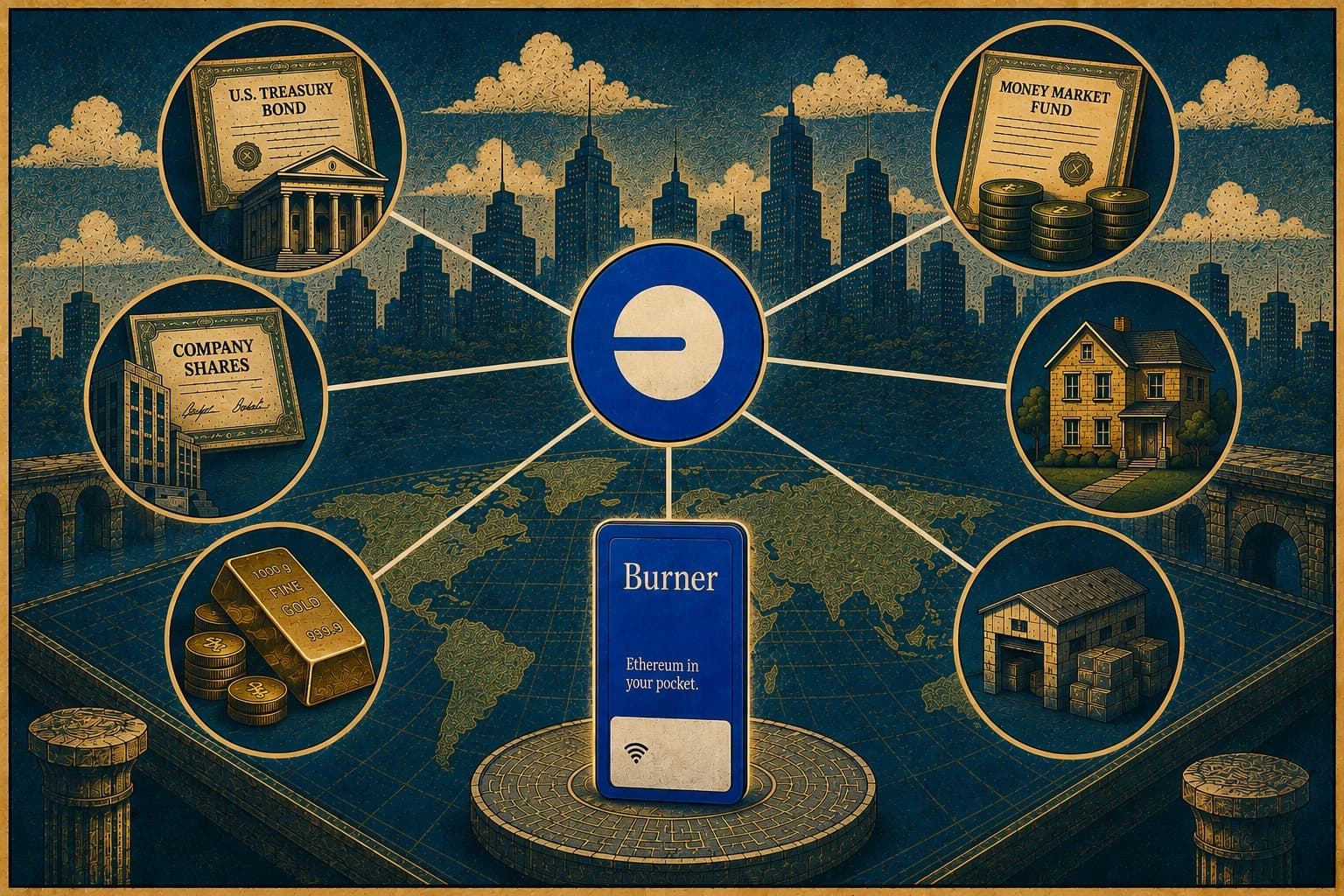
A real-world asset is something that exists off the blockchain, like a US Treasury bond, a money market fund, a bar of gold, or a share of stock, represented on-chain as a token. The token isn’t a new asset with value of its own. It’s a claim on the real one, recorded on a blockchain so it can be moved, split, and held the way you’d hold any cryptocurrency.